CPSC 1070
Programming Methodology
Fall 2019
Blowing Bubbles
Homework Assignment 1
Due by midnight: Sunday Sept. 8
For this first assignment, you are to develop your first program using the EZ Draw API. Your program should create a window on the screen, and draw a bubble pipe. Then, when there is a mouse click on the bowl of the pipe, a bubble should rise out of the pipe and disappear off the top of the screen, as in the animation below. Click here to get the EZ Draw materials and user manual.
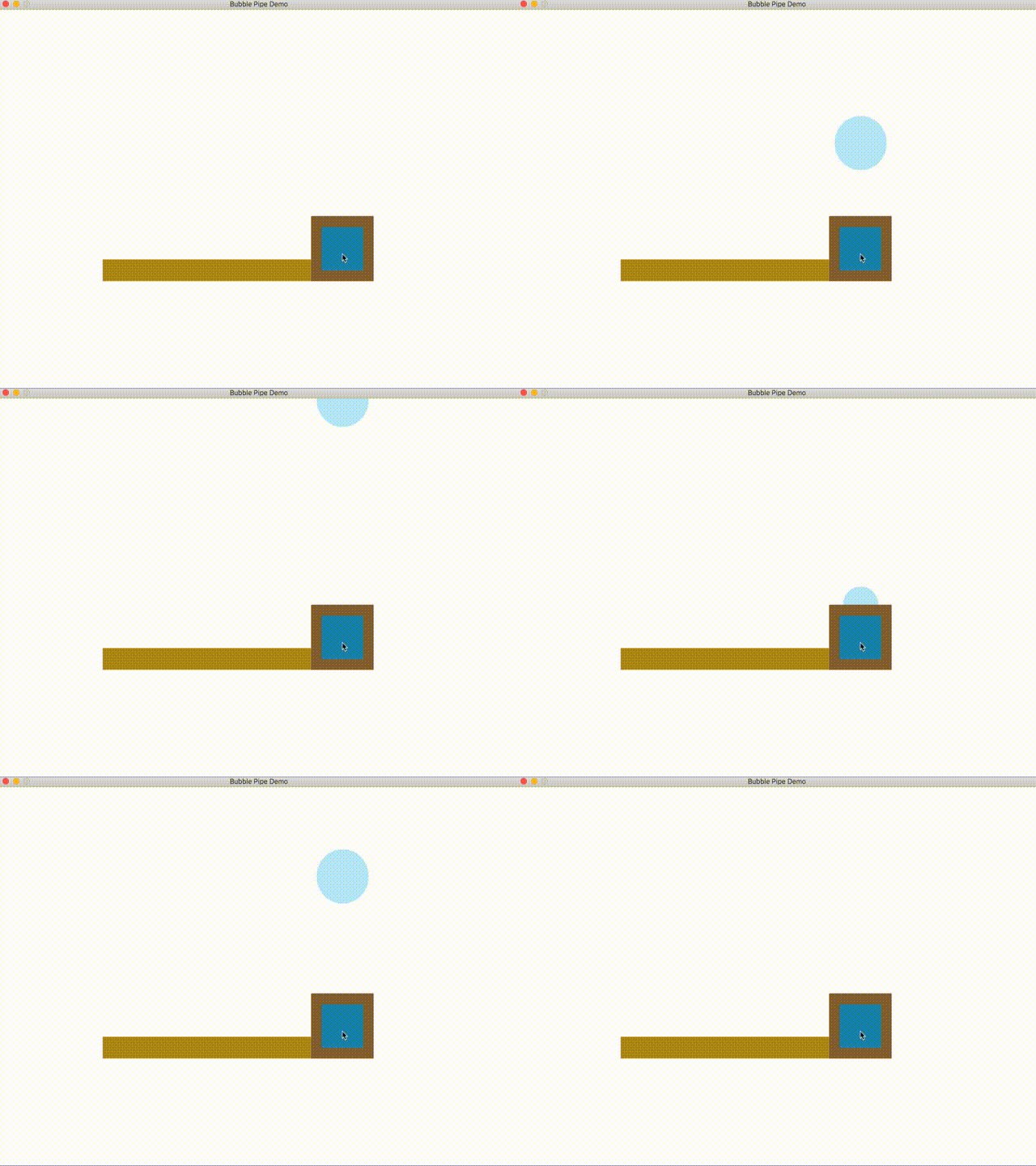
You must write your program in C using EZ_Draw to do the graphics and interaction. Remember that it must be compiled and tested on the School of Computing linux system using a Makefile before turning it in. I cannot support grading programs done in an IDE, since I use scripts to prepare your assignments for testing.
Turn-in Procedure
You will turn in all assignments via a web interface at: http://handin.cs.clemson.edu.
On this page you will be able to log in, and go to the help pages for all information on how to submit an assignment. Our course is CPSC 1070-001 or CPSC 1070-002. The homework projects have appropriate names on the course page.
Before turning in your work, please follow these instructions. This is very important, since we process your assignments via an automated script.
- Make a directory named with your Clemson username in lower case. Do not add any additional text, and do not include any spaces in the filename!
- If you have done anything in your program that deviates from the problem statement, please include a plain text README document (not .pdf or .docx) that gives any instructions needed to run the program, or understand what it is doing.
- Place all of your work in a flat-structured directory. There should be no subdirectories. Delete all .o and executable files, and any IDE project files. All that should be there are your Makefile, your program's .c file, ezdraw.h, libezdraw.a, and a README file (if you needed one).
- tar and gzip your directory, or zip your directory. If your username were monty, then your zipped file would be named either monty.tar.gz, or monty.tgz, or monty.zip
- Turn in only this zipped directory.