
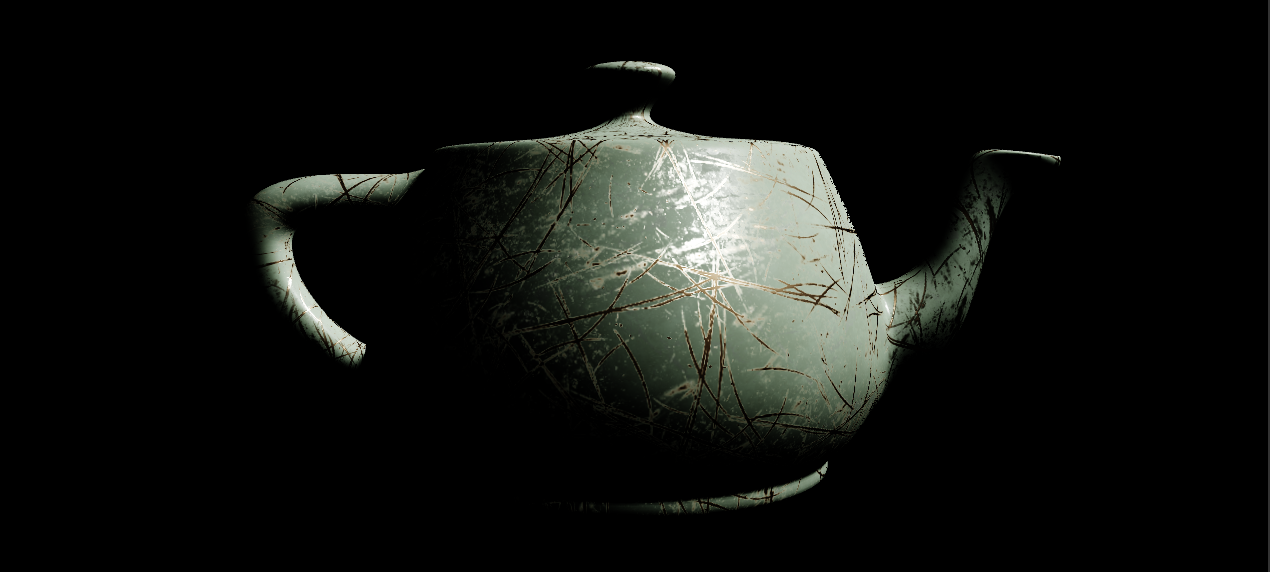
Building on our discussion of a programmable, real-time graphics pipeline and its setup in code and hardware as well as your earlier graphics-math foray, you’ll implement some of this in our PySide6 OpenGL platform.
(1) To start, get the repo and add PyOpenGL to your venv:
git clone https://github.com/pattersone/PyOpenGLPySide6Examples
If you use your previous Python virtual environment, you just need to install PyOpenGL:
pip install PyOpenGL PyOpenGL_accelerate
(2) Run each of the 00-04 examples and look at the vertex and fragment shader glsl code associated with each. Try to understand all the things.
(3) Create a written description that you’ll submit in a PDF to describe your work.
(4) Write a basic overview of the setup in 00_simple_clear.py and also 01_draw_tri.py – what are the main steps involved in getting OpenGL ready and having a place to draw graphics? What are the main steps in setting up, formatting, and getting data to the GPU? How does the main program pass information to the shader programs?
(5) Modify 04_mvp_obj_anim.py for the following:
(a) Allow the user to modify the scale, rotation, and translation of the teapot. This should include translation on at least 2 axes, scaling uniformly on all 3, and rotation on one more axis of the teapot object. The control can be via Qt Widget, key presses, or mouse. The transformation should update when the user interacts via whichever. Make sure to describe any key-press or nonintuitive controls in your PDF.
(b) Implement a “pan-tilt” camera head to match the operation of a real-world one. This can be done via key press, mouse, or widget.
(c) Implement some user interaction to choose between 3 lenses (18mm, 28mm, and 58mm on a Super 35 format). The viewport should update when switched live during the program running.
(6) In your written assignment description PDF, take a look at fsBP.glsl used in 04_mvp_obj_anim.py and explain the basics of how “Blinn-Phong” shading works. What major “tool” from our class discussions is particularly important here?
(7) Modify the final output line in the fsBP.glsl so that it displays the normals instead of the fragment color. Include an image of this in your written description.
(7) Make 05_pbs.py which should do the following:
(a) Start by copying and renaming the best version of your program from (5) that can move the teapot and camera so that the copy is named 05_pbs.py.
(b) The vertex shader remains the same, but this new program should use the fsPBR.glsl fragment shader that I include in the repo. You’ll need to get appropriate uniforms updated in your Python code to pass the correct implementation. [Read through https://creativecloud.adobe.com/learn/substance-3d-designer/web/the-pbr-guide-part-1 for more information on some of the parameters if needed].
(c) Add controls that let the user switch between dielectric (non-metal) and metal while the program runs as well as increment and decrement the “roughness” parameter to see more diffuse or specular elements come through. You could also allow control over the exposure. Capture images that demonstrate dielectric fairly rough, dielectric fairly smooth, metal fairly rough, metal fairly smooth and include these in your PDF.
Include images and descriptions in your pdf and package the code that you modified or wrote along with any shaders, meshes, etc. if modified or required to run your code to submit.
Some ideas for possible objectives-exceeded material:
Implement a “Maya camera”. Add textures to the teapot – at a minimum, you’ll need to incorporate vts in the interleaved data in the objLoader.py to include as vertex attributes in your vertex array (VAO) and update the buffer appropriately. The texture coordinates could be used for some interesting procedural texture like Perlin noise, or anything from Shader Toy, etc. Or load some from files… perhaps paint physically based maps in Substance for the teapot (which does have texture coords) and load in to display. The shaders and code would have to be modified to load the images (perhaps use Qt for ease) then get the data in a format to load as a texture on the card. There are lots of OpenGL-based examples of this (including Anton’s), but you’d need to make sure to implement in PyOpenGL. ```